


A modern digital instrument changes how you practise and produce music. Here, we briefly define an electronic wind instrument: an often lighter instrument designed for portability and quiet practice with headphones.
Today’s market can be confusing. Many models look alike, and the differences that matter are not always obvious. This buying guide clarifies the product categories and the criteria that count.
Goal: to help beginners, experienced musicians and producers find an instrument suited to how they will use it: at home, in the studio or on stage.
Key reasons to choose one: playing through headphones, accessing a range of sounds, recording via MIDI, and gaining portability and easier maintenance.
We then present a way to assess sensors, keys, latency and connectivity, and to avoid common mistakes: confusing a MIDI controller with a standalone instrument or overlooking essential accessories.
Understanding electronic saxophones and digital wind instruments
Digital wind instruments include a wide variety of devices, from controllers to standalone instruments.
Electronic saxophone, aerophone, EWI: what exactly do these terms mean?
The general term covers various families: EWI (Electronic Wind Instrument), Aerophone and other electronic wind instruments.
These devices produce sounds through synthesis or from sound libraries, using technology built into the instrument or controlled by a computer.
MIDI controller or standalone instrument with built-in sounds
The difference in design is essential. A MIDI controller sends data to a synthesizer or music production software. Without a computer, it may be unusable.
A standalone instrument has built-in sounds, a headphone output and sometimes a speaker. It can often be played straight away on its own.
Examples include the Akai EWI USB (controller), EWI Solo (built-in sounds), Roland Aerophone (standalone with connectivity) and Yamaha YDS (a feel closer to a saxophone).
A useful first step: decide whether you want a fully standalone instrument or a computer-based setup. The following sections cover sensors, keys and connectivity, which determine expressiveness, latency and ease of use.
Who is an electronic saxophone for? Players and skill levels
Depending on your musical background, this instrument can meet very different needs.
Beginners and children: ideal for a gentle introduction. The Roland AE-01, for example, appeals because of its size and simplicity. It offers ready-to-use sounds and quiet practice through headphones, making it well suited to rehearsing without disturbing others.
Acoustic saxophonists: some models, such as the Yamaha YDS, EMEO and Travel Sax 2, retain similar fingering and a familiar mouthpiece. They help players maintain their habits and work on articulation without the volume of a conventional instrument.
Composers and producers: MIDI and the range of available sounds are their main advantages. In the studio, these devices become tools for expression, letting musicians control synthesizers, edit musical lines and try out jazz, funk or electronic textures.
In an apartment or on stage: a headphone output helps prevent noise disturbance, while the connections let you plug into an amplifier or PA system for performance. In short, if a saxophone-like feel is your priority, look for mechanisms similar to those of a saxophone; if MIDI control matters most, consider EWIs and Aerophones.
“Portability and the ability to play through headphones have transformed my practice routine.”
For a quick starting point, also see which saxophone suits your needs.
What can you use it for? Practice, performance, studio work and sound exploration
From practising through headphones to performing a repertoire on stage, this instrument suits many uses.
Practising notes, articulation and expression every day
Routine: warm up for 10 to 15 minutes through headphones. Focus on notes, rhythmic accuracy and articulation.
The breath sensor lets you work on dynamics and expression without disturbing your neighbours.
Playing live: audio output, amplification and reliability
On stage, a stable audio output and headphone monitoring are essential.
Have a backup plan: a cable, power adapter and batteries. A stable output helps prevent sound-level problems during a performance.
Composing and recording: production software integration, plug-ins and MIDI tracks
USB/MIDI compatibility makes it easier to record in the studio and control software plug-ins.
MIDI lets you edit a take, change sounds afterwards and layer tracks without recording everything again.
Tip: for a focused buying guide and recommended models, see digital wind instruments.
“Playing through headphones has let me practise more often and explore new sound textures.”
Advantages and limitations compared with an acoustic instrument
A comparison highlights what each instrument offers a musician.
Sound versatility: these devices offer a broad range of sounds—brass, woodwinds and synthesizers—and built-in effects. Presets, modulation options and MIDI control let you change the tone quickly in the studio or on stage.
Portability and maintenance: their compact size and low weight make them easy to carry. There are few reeds to replace, and they avoid much of the regular mechanical maintenance. You still need to care for the sensors and install software updates.
Limitations: an acoustic instrument often retains a warmth and organic character that are hard to reproduce. Mouthpiece feel and key response can vary between models, and the final sound depends on the sound engine and amplification.
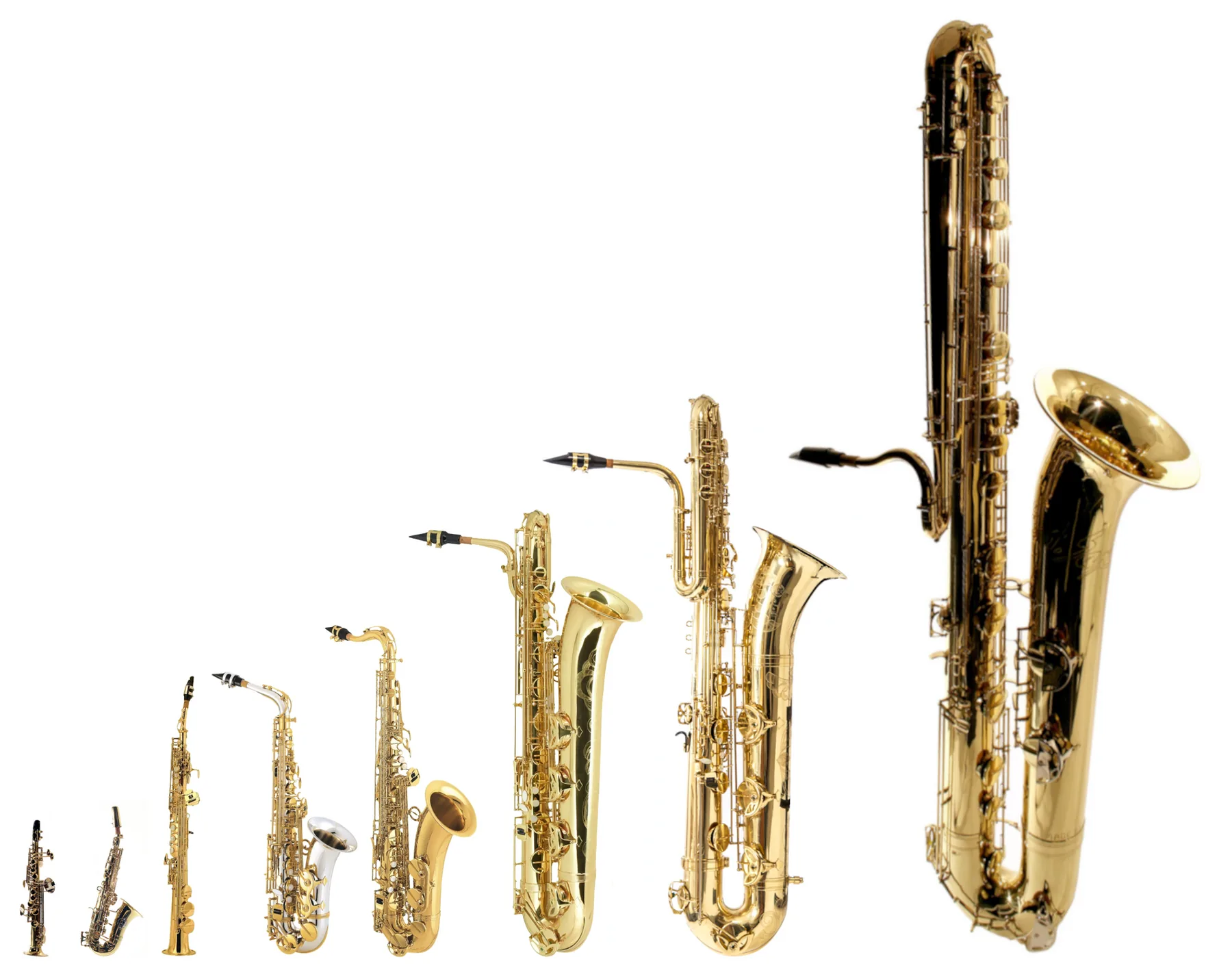
- Benefits: a variety of sounds, built-in effects and headphone practice.
- Trade-offs: a different playing feel and reliance on the sound engine.
- Best fit: excellent as a second instrument or as a practice and studio tool.
| Acoustic instrument | Digital instrument | |
|---|---|---|
| Warmth and character | Very high: natural projection | Variable: depends on the sound engine and amplifier |
| Range of sounds | Limited: one basic timbre | Very broad: presets and modulation |
| Maintenance and transport | Regular maintenance (reeds and mechanics) | Easy: light, few reeds, but software updates are needed |
“Many people see this device as a useful addition rather than a complete replacement.”
Electronic saxophone: who is it for, what is it for, and how do you choose?
A good choice starts with two simple questions about feel and use. First ask yourself: what do I want playing it to feel like? Then: where will I use it most often?
Clarify your needs: saxophone feel, sound creativity or quiet practice
Three priorities stand out:
- A saxophone-like feel: familiar keywork and mouthpiece.
- Sound creativity: MIDI, sound libraries and effects to explore.
- Quiet practice: headphone output, standalone operation and a quick start.

Decide where you will use it: home, studio, stage or on the move
Home: prioritise a headphone output, comfortable controls and minimal latency without a computer.
Studio: look for a stable USB MIDI connection, compatibility with your production software and clean recording.
Stage: focus on reliability, smooth sound changes, a dependable power supply and, if needed, a 2.4 GHz wireless option.
“The answer depends as much on where you play as on how you want to express yourself.”
Quick checklist: built-in sounds, key type, sensors, connections and an accessories budget. For a practical companion piece, see this guide to who an electronic saxophone is for, what it does and how to choose one.
Essential selection criteria: expressiveness, sensors and playing feel
The sensors and breath response determine whether an instrument inspires a musician or holds them back.
Breath, pressure and bite sensors
Expressiveness begins with accurate breath detection. The breath sensor controls volume and tone.
Pressure and bite provide nuance and natural vibrato. Some models also include motion sensors.
Capacitive keys, mechanical buttons and saxophone-style keywork
Capacitive keys respond quickly and require no pressure. They take a little practice to learn.
Mechanical buttons provide tactile feedback. Saxophone-style keywork feels familiar to experienced players and eases the transition.
Sensitivity, calibration and the learning curve
Sensitivity can often be adjusted through user profiles or automatic calibration. Suitable settings prevent the response from maxing out too easily.
The learning curve depends on the interface: an EWI may feel unfamiliar, while a saxophone-style model offers a more familiar feel.
Essential expression controls
- Pitch bend for subtle inflections.
- Assignable vibrato and octave controls.
- Transposition for playing in other keys without changing fingering.

“Test how the instrument responds to note attacks and how steadily it holds notes before buying.”
Connectivity and compatibility: USB, MIDI, Bluetooth and wireless
Connection options strongly affect how you use the instrument in the studio and on stage.
USB/MIDI offers a simple way to control a computer, record MIDI tracks and operate software plug-ins or hardware synthesizers. In practice, latency can be kept under control if the audio interface and drivers are configured properly.
Bluetooth: apps and audio serve different purposes
Bluetooth is useful for editing presets through an app and saving settings. Bluetooth audio, however, can introduce too much latency for precise playing.
2.4 GHz wireless: freedom on stage
2.4 GHz wireless provides low latency and lets you move around on stage. It often requires a receiver and may be affected by interference at the venue.
“Prioritise reliability: always keep a wired backup connection on stage.”
- Realistic uses: USB for a home studio, Bluetooth for settings and a wired connection for the stage.
- Be aware: some products require a proprietary connection, which increases costs.
Sounds, sound engines and apps: what you can really do
The quality of the sound engine often determines how effective a digital instrument is on stage and in the studio.
Built-in sound libraries: variety and limitations
Sound libraries cover saxophones, brass, woodwinds, strings, synthesizers and percussion.
For reference: the Akai EWI Solo offers about 200 sounds, the Roland AE-01 has 6 built-in sounds (expandable through an app), and the Roland AE-30 provides a broad selection of scenes and presets.
Modelling and sound engines
SuperNATURAL and ZEN-Core aim for a more realistic sound. They improve note attacks, dynamics and articulation.
Mobile apps and customisation
Apps let you edit presets, adjust breath response curves and assign effects. The Travel Sax 2 even lets you change fingering through an app.
A common limitation: without dedicated software, customisation is often restricted and depends on a smartphone.
| Aspect | Example | Note |
|---|---|---|
| Number of sounds | Akai EWI Solo: about 200 | Broad range ready to use |
| Sound engine | Roland AE-20 and AE-30 (SuperNATURAL, ZEN-Core) | Greater expressiveness |
| Editing | Travel Sax 2, AE-01 (app) | Many options through an app |
“Choose an instrument with good built-in sounds if you do not want to depend on a smartphone.”
For more on the design and history of digital instruments, here is further reading.
Overview of models available in France: strengths for different uses
Each model is designed for a different use: MIDI control, realistic playing feel, standalone operation or portability. Here are the essentials to help you choose.
Akai EWI (Solo, 5000)
Approach: a focus on MIDI control and expressiveness.
The EWI Solo has about 200 sounds; the EWI 5000 adds breath and bite sensors and a low-latency 2.4 GHz wireless connection.
Something to check: some users report brief sound interruptions when changing sounds on stage.
Roland Aerophone (AE-01 to AE-30)
A range with different levels of features: AE-01 (compact entry-level model, 6 sounds and an app), AE-05 (highly portable), AE-20 (SuperNATURAL and ZEN-Core, OLED screen) and AE-30 (professional model with extensive editing options).
Strength: excellent connectivity and sound engines suited to the studio and stage.
Yamaha YDS
The YDS-150 aims for a saxophone-like feel and takes a hybrid acoustic and digital approach.
The YDS-120 is more compact; its size and simple connections appeal to musicians on the move.
EMEO and Travel Sax 2
The EMEO is positioned as a premium practice tool with authentic keywork. It is ideal for maintaining familiar playing habits.
The Travel Sax 2 focuses on portability: it is very light, has more than 50 sounds, supports MIDI and includes an app for changing the fingering.
| Model | Main strength | Recommended use | Note |
|---|---|---|---|
| Akai EWI Solo | About 200 sounds, MIDI | Production and studio work | Extensive control, no speaker |
| Akai EWI 5000 | Advanced sensors, wireless | Live music and performance | Low latency; check sound changes |
| Roland AE-30 | ZEN-Core, advanced editing | Professional and stage use | Highly versatile and reliable |
| Travel Sax 2 | Very compact, standalone operation | Musicians on the move | Good balance of sounds and portability |
“Choose according to your needs: a beginner on a limited budget, an acoustic saxophonist, a studio producer or a travelling musician.”
Budget, value for money and mistakes to avoid before buying
The true cost of an instrument often exceeds its displayed price. Consider the initial price, then the cost of using it: headphones, amplifier, cables, bag and any wireless receiver.
Choose a range that suits your level
Entry level: ideal for starting out and trying this type of instrument at a lower cost. Midrange: a good balance for regular playing and recording. High end: recommended for intensive stage and studio use, advanced editing and greater reliability.
Common pitfalls to know about
Latency: Bluetooth audio or a computer without an audio interface can introduce delays that disrupt your timing. Always test responsiveness before buying.
Computer dependence: a controller without built-in sounds needs a stable setup (production software, audio interface and drivers).
Sound changes: some models may briefly cut the audio when you change programs; test this before playing live.
Accessories and hidden costs
- Comfortable closed-back headphones, often essential.
- An amplifier or stage monitor if you perform live.
- A carrying bag and quality cables.
- Proprietary wireless systems, which can be expensive.
“Check the specifications, compatibility with iOS, Android, PC and Mac, the update policy and the availability of after-sales support in France.”
Before buying, make a checklist covering audio outputs, USB/MIDI, battery life, compatibility and after-sales support. For practical information on price and maintenance, see this practical guide.
Conclusion
The best choice depends on your real needs and playing habits. Consider where you will use it (home, stage or studio), the feel you want and your total budget before deciding.
Key criteria to test in person: sensors (breath and pressure), key type, latency, sound quality and how quickly presets change.
If possible, try at least two playing approaches—EWI-style touch keys and saxophone-style keywork—to assess their comfort.
To get started, select two or three models, list the accessories you need (headphones, cables and case), and check compatibility with your setup. For more practical advice, see this beginner’s guide.
The benefit: a well-chosen instrument will help you practise more often, record more quickly and explore new sounds.